


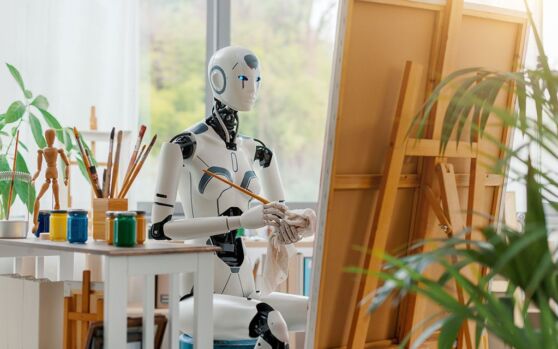
AI in graphic design means using machine learning tools for image enhancement, color and typography generation, concept ideation, and content production — automating repetitive tasks so designers can focus on strategy and creative direction. This guide covers the AI tools graphic designers are using across a typical workflow, organized by where each one fits.
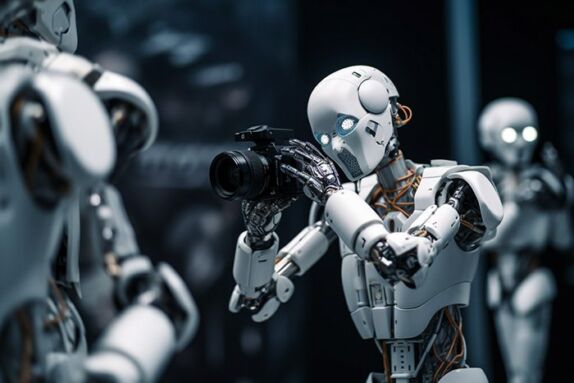
AI image enhancement tools use machine learning to automatically correct color, remove imperfections, and adjust lighting. Work that previously required manual editing frame by frame. For designers, this cuts batch photo editing time, like an e-commerce product shoot, from hours to minutes, while manual fine-tuning still handles the final polish.
Available Image Enhancement & Retouching tools:
In no specific order…
- Adobe Photoshop with Adobe Sensei
Adobe Photoshop incorporates AI through Adobe Sensei, offering features like content-aware fill and automatic image adjustments. - Luminar AI
Luminar AI uses artificial intelligence to enhance photos with features like AI Sky Replacement and AI Skin Enhancer. - Photolemur
This AI-powered photo enhancer automatically analyzes and enhances images, making them look more vibrant and professional. - DxO PhotoLab
DxO PhotoLab utilizes AI technology to optimize photos by adjusting lighting, contrast, and color. - Topaz Gigapixel AI
Designed for portrait retouching, PortraitPro uses AI to automatically enhance facial features, skin, and more. - ON1 Photo RAW
ON1 Photo RAW incorporates AI in its image editing features, including automatic exposure adjustments and noise reduction. - BeFunky
BeFunky’s AI-powered tools include Smart Enhance, which automatically adjusts exposure, sharpness, and color in photos.
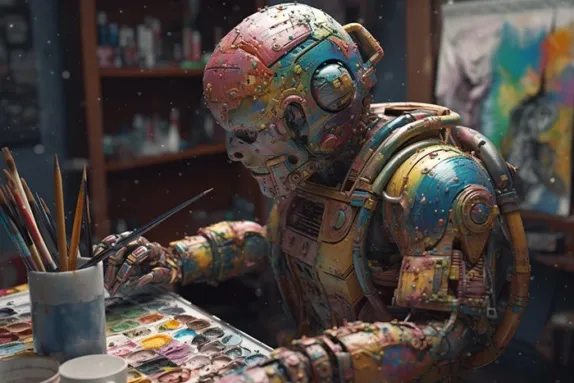
AI color palette generators analyze an uploaded image, brand color, or keyword input to suggest complementary color schemes in seconds. This is especially useful on branding projects, where AI can test dozens of palette combinations for tone and consistency before a designer selects and refines the final scheme.
Available Automated Color Palette tools:
In no specific order…
- Colormind
Colormind uses AI to generate color palettes based on user input or existing images, making it a versatile tool for designers. - Adobe Color Wheel (formerly Adobe Kuler)
Adobe’s color wheel incorporates AI algorithms to suggest harmonious color schemes, and it seamlessly integrates with Adobe’s suite of design tools. - Coolors
Coolors uses AI to help designers explore and create color palettes quickly and intuitively, making it a valuable resource for creative projects. - Colorsinspo
Colorsinspo is an AI-powered platform that generates trendy color schemes and provides designers with inspiration for their projects. - Color Hunt
Color Hunt is a curated collection of color palettes generated by AI, offering a diverse range of choices for various design needs. - Khroma
Khroma uses AI to learn from your color preferences and generate personalized color palettes, making it an ideal tool for designers seeking unique options. - Muzli Colors
Muzli Colors, developed by InVision, offers AI-generated color palettes inspired by the latest design trends and innovations.
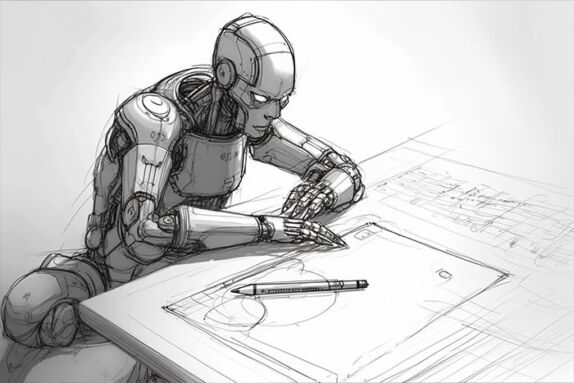
AI idea generation tools turn text prompts into visual concepts, giving designers a fast starting point for moodboards instead of a blank page. Rather than replacing concepting, these tools compress the early research and brainstorming phase so more time goes into refining the strongest direction.
Available Idea Generation tools:
In no specific order…
- Runway ML
Runway ML is a creative toolkit that uses AI to generate design ideas and concepts based on keywords, making it a valuable resource for designers seeking inspiration. - DALL-E
Developed by OpenAI, DALL-E is a groundbreaking AI model capable of generating creative and surreal images from text descriptions, sparking new design directions. - Lumen5
Lumen5 utilizes AI to turn text content into engaging video presentations, offering a fresh perspective for designers looking to convey their ideas visually. - InspiroBot
InspiroBot is an AI-driven meme and inspiration generator that can provide designers with quirky and unexpected design ideas. - Snappa
Snappa uses AI to assist users in creating graphics for various platforms by suggesting design templates and elements, making it easier to start the design process.
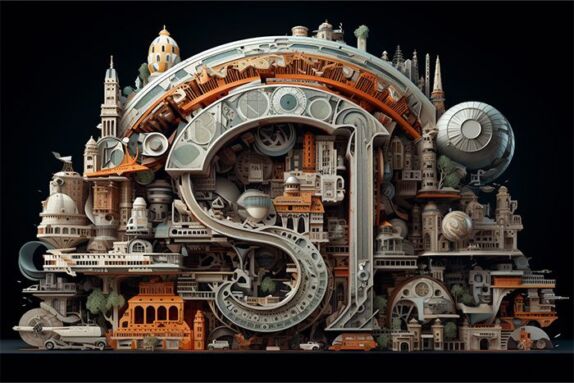
AI typography tools analyze a design’s content, audience, and purpose to recommend font pairings automatically. This narrows hundreds of font options to a shortlist matching the project’s tone, rather than relying on manual trial-and-error to make that first cut.
Available Typography tools:
In no specific order…
- Fontjoy
Fontjoy is an AI-powered font generator that suggests font pairings based on user preferences, helping designers create harmonious typography combinations. - Prototypo
Prototypo is an AI typography tool that allows users to customize fonts and generate unique typefaces, making it an ideal choice for designers seeking distinct typography solutions. - Fontspring Matcherator
Fontspring’s Matcherator uses AI to identify fonts from images or samples, saving designers time when trying to match a specific typeface. - FontArk
FontArk is an AI-driven font design tool that assists designers in creating custom typefaces by providing a wide range of design options and adjustments. - Google Fonts
Google Fonts incorporates AI algorithms to suggest font pairings based on user selections, ensuring that typography choices align with the design’s objectives. - WhatTheFont by MyFonts
WhatTheFont uses AI to identify fonts from images or screenshots, helping designers pinpoint fonts used in various design projects.
AI writing tools generate first-draft copy for marketing materials, social posts, ad copy and email content which designers can adapt to fit a layout instead of waiting on copy before starting. This speeds up early drafts; it isn’t a substitute for finished, client ready copy.
Available Content Creation and Automation tools:
In no specific order…
- ChatGPT & Claude
GPT and Claude are powerful AI language models that can generate human-like text for various content types, including articles, marketing copy, and more. - CopyAI
CopyAI is an AI-powered platform that assists users in generating written content, such as blog posts, product descriptions, and ad copy, using natural language processing. - Snazzy AI
Snazzy AI employs AI to generate content and headlines for blogs, social media, and email marketing, helping businesses automate their content creation process. - ContentBot
ContentBot is an AI-powered content generation tool that creates blog posts, articles, and other written content based on user inputs and preferences. - Jasper
Jasper is an AI-powered writing assistant that helps users generate content, including blog posts, social media updates, and email newsletters, with ease. - Wordtune
Wordtune leverages AI to provide suggestions and improvements for written content, ensuring that it is clear, concise, and engaging. - Yseop Compose
Yseop Compose is an AI content automation platform that generates dynamic reports, sales documents, and other content for business use cases.
AI powered user testing tools analyze how real users interact with a design through heatmaps, session recordings, and behavior data to show which layouts are working. This lets designers refine a design based on evidence of user behavior rather than assumptions.
Available User Testing and Feedback tools:
In no specific order…
- UserTesting
UserTesting is a comprehensive platform that combines AI and human insights to help businesses conduct user testing, gather feedback, and analyze user behavior on websites and mobile apps. - UsabilityHub
UsabilityHub offers AI-powered user testing tools that allow designers and developers to test the usability and effectiveness of their designs with real users. - Crazy Egg
Crazy Egg utilizes AI-driven heatmaps, scrollmaps, and session recordings to analyze user interactions with websites, helping businesses improve user experiences. - Optimal Workshop
Optimal Workshop provides AI-powered tools for user research and testing, including card sorting and tree testing, to optimize website navigation and information architecture. - Lookback
Lookback offers AI-driven qualitative user research tools, such as user interviews and usability testing, to gather insights and feedback on digital products and designs. - PlaybookUX
PlaybookUX combines AI and user testing to help businesses conduct remote user research, collect feedback, and make data-driven design decisions. - Userbrain
Userbrain offers AI-powered usability testing services that allow businesses to observe and gather feedback from real users as they interact with digital products. - UserZoom
UserZoom is a user research platform that uses AI to help businesses conduct remote usability testing, card sorting, and surveys for UX optimization.
Artificial intelligence is the future, and the future is here now. It’s the promise of being able to liberate creative people to do more creative things.
Brad Dourif
Frequently asked questions
Will AI replace graphic designers?
No. AI changes what designers spend time on, not whether they’re needed. AI tools handle repetitive tasks like background removal, resizing, and first-draft concepting, freeing designers up to focus on strategy, brand judgement, and client direction, the parts of the job that require taste and context.
What's the best AI tool for a graphic designer just starting out?
Adobe Firefly is the easiest entry point for most designers, since it’s built directly into Photoshop and Illustrator and trained to avoid copyright issues with commercial work. Canva’s Magic Studio is a good alternative for designers who want AI assisted layouts and quick content without a steep learning curve.
Can I legally use AI-generated images in commercial design work?
It depends on the tool. Adobe Firefly is trained on licensed and public-domain content, so its output is generally safe for commercial client work. Tools trained on scraped web images carry more legal uncertainty, since ownership and copyright status of the output isn’t always clear.
How are professional designers actually using AI in their workflow, rather than just for finished artwork?
Most professional use sits earlier in the process than people expect. AI speeds up moodboarding, concept variations, copy drafts, and image retouching, while the final creative direction and refinement stays manual. A typical workflow might use AI to generate a dozen quick concept directions, then a designer selects, combines, and hand-finishes the strongest elements rather than shipping AI output directly.
Do AI design tools work well for branding that needs to stay consistent across a client's identity?
AI tools are weaker here than for once-off assets. They’re not yet reliable for maintaining strict brand consistency (exact colors, logo usage, typography rules) across multiple deliverables without human oversight. They’re best used for early concepting and exploration, with a designer then applying the client’s actual brand guidelines by hand to anything that ships. This is where experienced art direction still matters most.